-
OEM Symbol MC9100, MC9190, MC9200, MC92N0 LCD without PCB Board ( Version B ) ( Used, B Stock )
Product Display:


How to Install / Tips:
1. Great attention should be paid while installing the flex cable, as it is very fragile.
2. The PCB board should be kept away from static electricity. Please wear gloves to install or change it.
3. Please connect the LCD flex cable and PCB board first, and then connect the PCB board and the motherboard flex cable.
4. This LCD screen replacement should be installed by a qualified person. ETS is not responsible for any damage caused during installation.
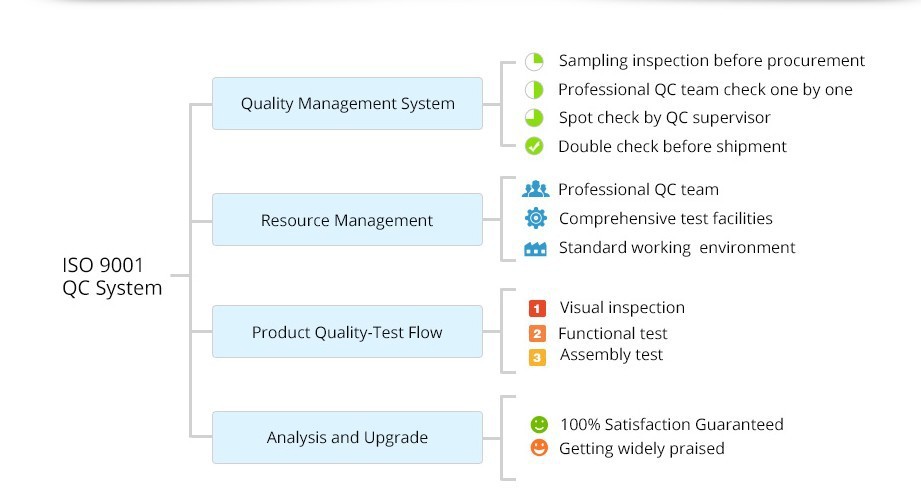
Quality Control:

-
Customer also bought